How to use Nouri
Learn Nouri one step at a time. Each guide tells you exactly where to tap.
Your first week with Nouri
Day 1Set your goal and log your first meal with a photo.
Day 2Ask your coach "what should I have for dinner?"
Day 3Open your plan and tick off your grocery list.
Day 5Turn on reminders and pick your theme.
Day 7Check Insights for your first weekly pattern.
01
Get set up

Create your account
- Open Nouri and tap Get started.
- Sign up with Apple, Google or email.
- Read the privacy promise: your data is never sold.
Choose your goal
- Pick one of six goals: lose weight, build muscle, eat healthier, steady blood sugar, PCOS or pregnancy.
- Tap Continue.
Tell Nouri about you
- Enter your height, weight, age and activity level.
- Add any diet needs or allergies (e.g. vegetarian, halal, no peanuts).
- Check your starting daily target, then tap Build my plan.
Allow permissions
- Camera for meal photos, microphone for voice, notifications for reminders.
- Optional: Apple Health or Health Connect, and Calendar.
02
Log & share meals
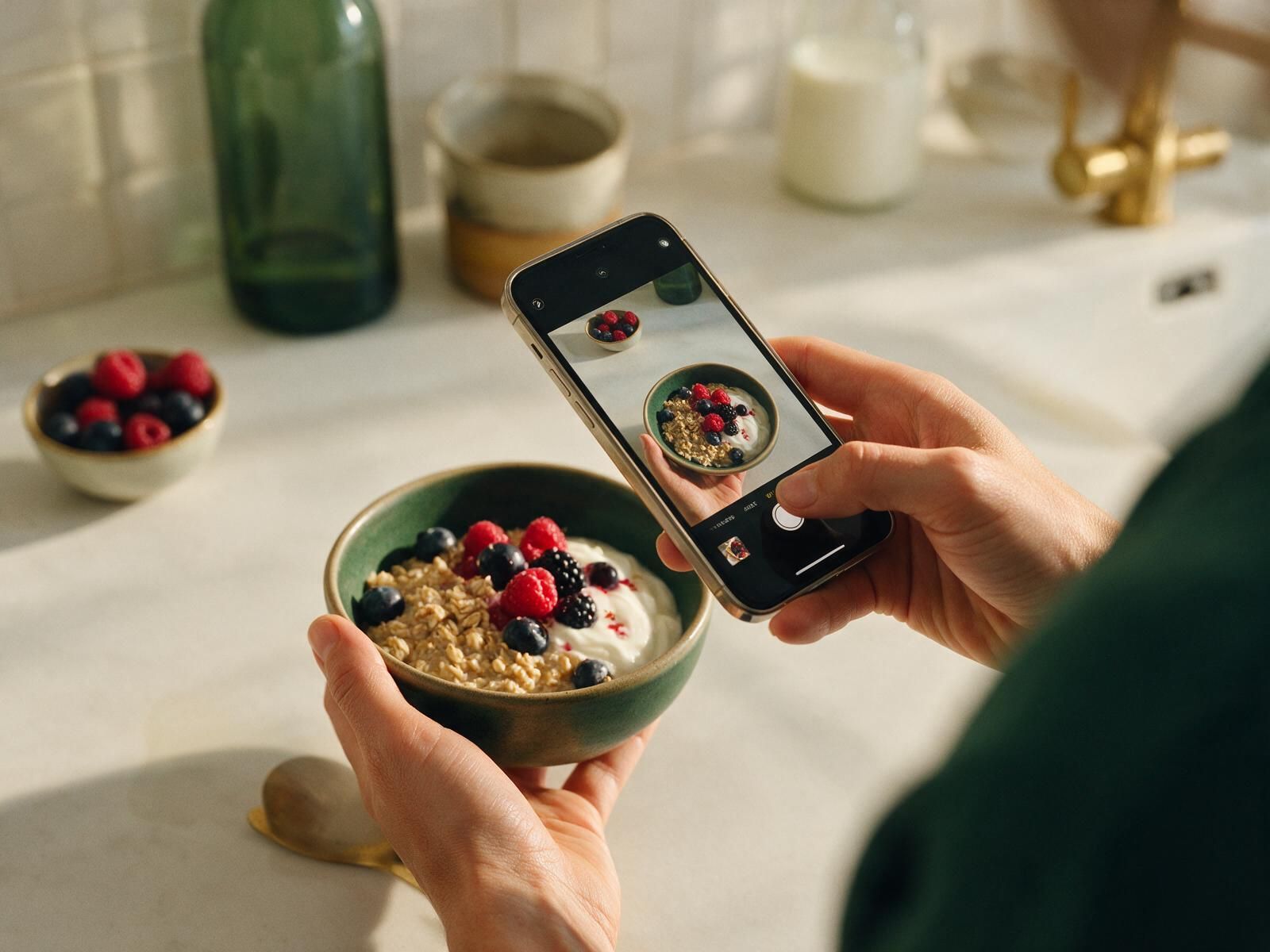
Log by photo
- On Today, tap the scan button in the middle of the bottom menu.
- Choose Photo and snap your plate.
- Check each food the AI found, tap Adjust to fix any item, then tap Log meal.
Log by voice or text
- Tap the scan button, then Voice and say what you ate ("two eggs and toast").
- Or choose Type it and describe the meal in plain words.
Repeat a usual
- Under Your usuals, tap Add next to a meal you often eat. Done in one tap.
Meal memories
- Open any logged meal to add where you ate, who was with you, and more photos.
- Everyone at the table can add photos to the shared album.
Share to social media
- Open a meal and tap Share.
- Pick Post or Story, choose what to show (macros, recipe, location), and pick WhatsApp, Instagram, Facebook, TikTok, WeChat or more.
- Edit the AI caption if you like, then post.
03
AI coach & experts

Chat with your coach
- Tap Coach in the bottom menu.
- Type any food question, or tap a suggestion like "What should I have for dinner?"
- Answers use your goal and what you have eaten today.
Talk live with your coach
- On the Coach screen, tap the microphone.
- Speak naturally in your language. Tap the camera to show your food.
- Tap the red button to end the call.
See your insights
- Open Insights for weekly calories, micronutrients (fiber, iron, calcium, vitamin D) and patterns by day and place.
Track advice
- Open Suggestion record to see every tip from your AI coach and nutritionist.
- Mark tips as followed, in progress or skipped, and tap Remind me or Ask why.
Talk to a real nutritionist
- Tap Talk to a nutritionist and filter by need (weight, diabetes, PCOS, sports).
- Message or book a video call, and choose what to share: meals and photos, a micronutrient report, health data.
04
Plan, fast & move

Use the healthy planner
- Tap Plan in the bottom menu to see your day: meals, water, workouts, fasting and sleep.
- Tap AI: plan my week, or + Add to add items yourself.
Follow your 28-day plan
- Pick a day at the top to see its menu.
- Tap + to log a planned meal, or Swap a meal for another option.
Use the grocery list
- Tap Grocery list. Items come from your plan, grouped by aisle.
- Tick items off as you shop, or add your own.
Fasting & water
- Start a fast (e.g. 16:8) and watch the timer. Tap End fast when done.
- Tap + on Water each time you drink a glass.
Record activity
- Tap + on Activity, pick yoga, gym, jogging, walking, cycling or swimming, and set time and effort.
- Your food budget for the day goes up to match what you burned.
Book or post a trainer class
- Browse classes near you or online, then tap Book. Booked classes appear in your planner.
- Trainers: tap I'm a trainer → Post a class, add details and price, then Publish.
05
Family, friends & elder care

Set up your family hub
- Start the Family plan (up to 6 people) and open Family hub.
- Tap + to invite people by link. Each person chooses what they share.
- See tonight's family dinner with portions tuned for each person, and the shared grocery list.
Friend challenges & referrals
- Start a challenge (e.g. 7-day protein streak) and invite friends.
- Send cheers and swap recipes.
- Share your invite code: friends get a month free; you get 30% off with 3 friends and 50% off with 5.
Easy mode for parents
- On your parent's phone: Settings → Easy mode for big text, big buttons and voice.
- They can take a meal photo, talk to the coach, add water and call you in one tap.
Caregiver view
- With their consent, see gentle alerts such as a skipped meal or low water.
- Send a nudge, plan their meals or call them.
Celebrations
- Open Celebrations: holidays for your country load automatically.
- Tap + to add birthdays and family events. Open an event for an AI holiday plan, "who brings what" and reminders.
06
Profile, Premium & settings

Your profile
- Tap Me to see your daily targets, meals, workouts and progress.
- Tap Goal & body details to update your goal, weight or allergies anytime.
Go Premium
- Tap Nouri Premium and choose Yearly, Monthly or Family. Every plan starts with a 7-day free trial.
- Cancel anytime in your App Store or Google Play settings.
Payments
- Subscriptions are paid through your app store.
- For nutritionist calls and classes, add a card or use Apple Pay / Google Pay in Payment & billing.
Reminders
- Open Reminders and switch each one on or off: meals, water, workouts, fasting, take with food, bedtime, check on a parent.
- Set quiet hours so Nouri never buzzes at night.
Themes
- Tap Me → Theme, preview any of the six palettes, then tap Apply.
Your data
- Everything is saved on your phone. Tap Me → Delete all my data to erase it anytime.
Still stuck?
Ask your AI coach "how do I…" right inside the app, or read the FAQ.